Reducing Visual Clutter in Diagnostic Workflows
Hologic Unifi Workstation
Executive Summary
(*patent pending) Hologic’s MRI workstation is used by radiologists to review and interpret breast imaging studies during diagnostic evaluation. As Co-Design Lead, I partnered with cross-functional teams throughout the product lifecycle to gather user needs, define workflow requirements, and develop concepts that supported efficient image analysis in a high-stakes clinical environment.
Fragmented Diagnostic Workflows
Radiologists often review breast imaging studies across multiple modalities — including mammography, ultrasound, and MRI — using separate workstations, each with its own interface and control scheme.
This fragmented setup requires clinicians to shift attention between monitors and interaction models when comparing imaging studies, increasing cognitive load during diagnostic review and introducing inefficiencies into the interpretation workflow.
Hologic sought to unify these modality-specific products into a single workstation experience that would allow radiologists to review and diagnose imaging studies within one platform.
For the purpose of this case study, we will focus on MRI workflows.
Design goals
Enable radiologists to efficiently review and compare breast MRI studies within a unified workstation experience.
Business goals
Provide radiology centers with a single-source workstation that reduces interpretation time and operational cost.
Design Considerations for Diagnostic Review
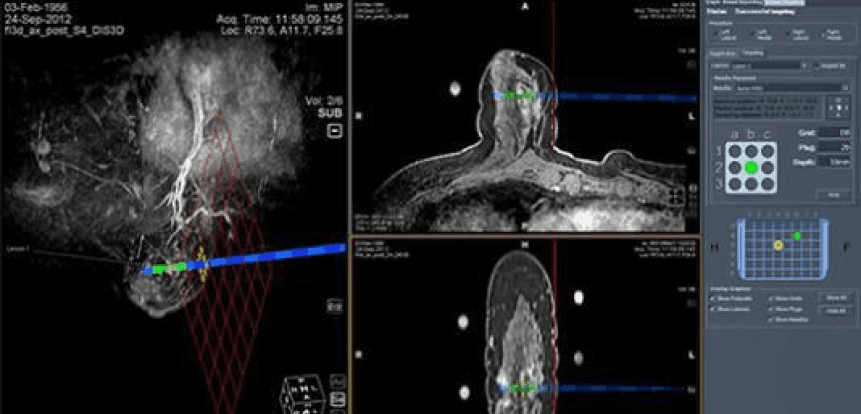
To inform how MRI workflows could be supported within a unified workstation, we evaluated the existing MRI software to identify interaction challenges that impacted diagnostic efficiency.
Supporting Cross-Modality Comparison
Consolidating imaging modalities into a single workstation would reduce reliance on multiple monitors. However, this introduced the need to present diagnostic information in a way that remained readable without overwhelming clinicians during image review.
Limited Display Space for Imaging Annotations
MRI studies often require overlays such as measurements, annotations, and lesion markers. As a result, available screen space for additional tools was limited, requiring careful prioritization of in-view controls.
Reducing Cursor Travel for Diagnostic Tools
Given the large display sizes required for radiology imaging (3073 × 2050), accessing tools positioned away from the image required significant cursor movement. This could interrupt review flow and slow annotation tasks.
The unified design needed to minimize cursor travel by providing more accessible interaction points during image interpretation.
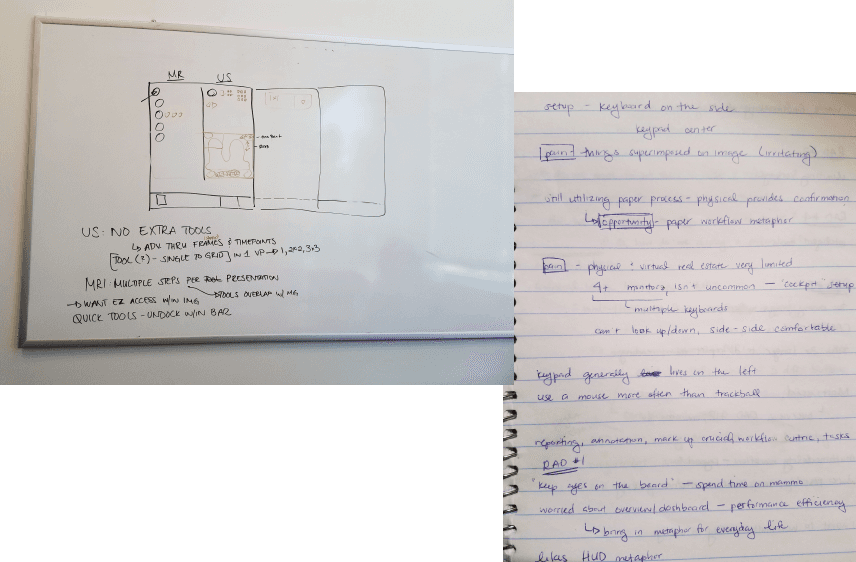
Initial Tool Access Model
Evaluation of the existing MRI viewer revealed that diagnostic tools were accessed through multiple entry points positioned outside of the primary image viewer.
Accessing tools often required significant cursor travel
Tool placement lacked consistent organization
Radiologists were required to memorize tool locations within the interface
Limited customization made it difficult to optimize workflows for efficient review
Cross-Domain Interaction Patterns
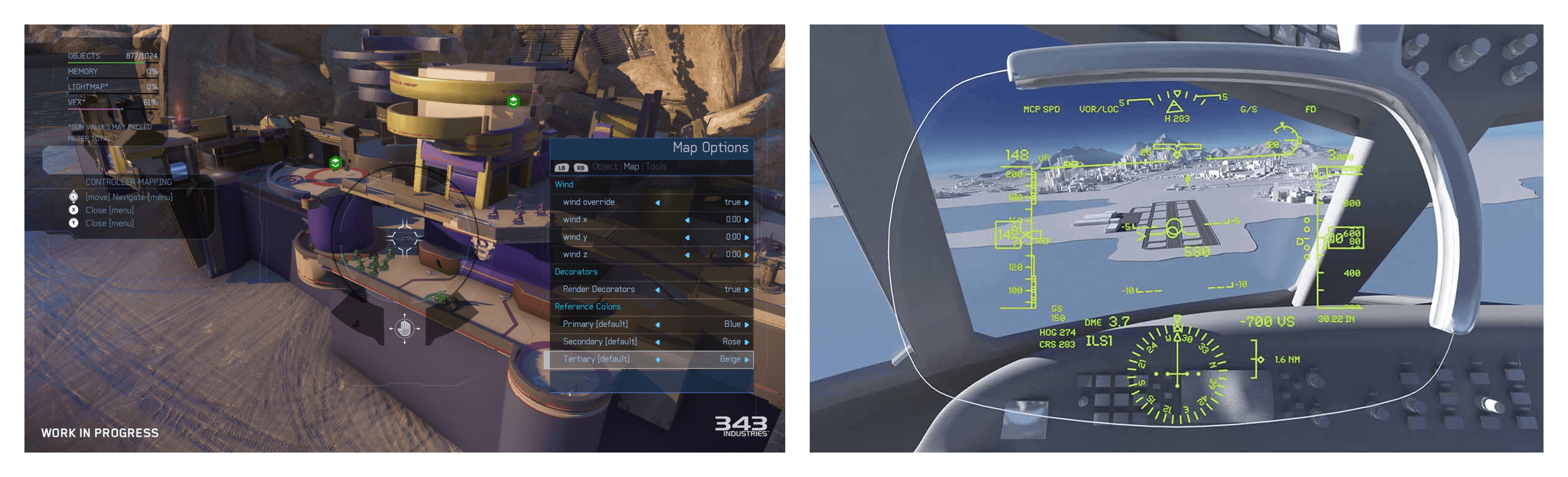
In exploring how to surface diagnostic tools within a visually dense environment, I examined interaction patterns from other high-information systems - including first-person shooter games and aircraft cockpit interfaces - where users must quickly interpret visual data and take action without disrupting their primary task.
These environments similarly balance informational overlays with actionable controls, informing how tools could be made accessible within the imaging viewport without obscuring diagnostic content.
Initial wireframes
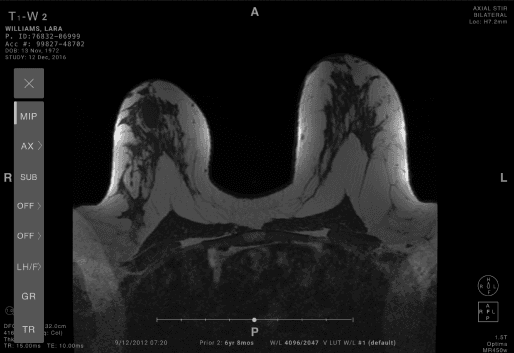
In collaboration with internal clinical researchers, we identified the relative importance of diagnostic tools based on their frequency of use during interpretation.
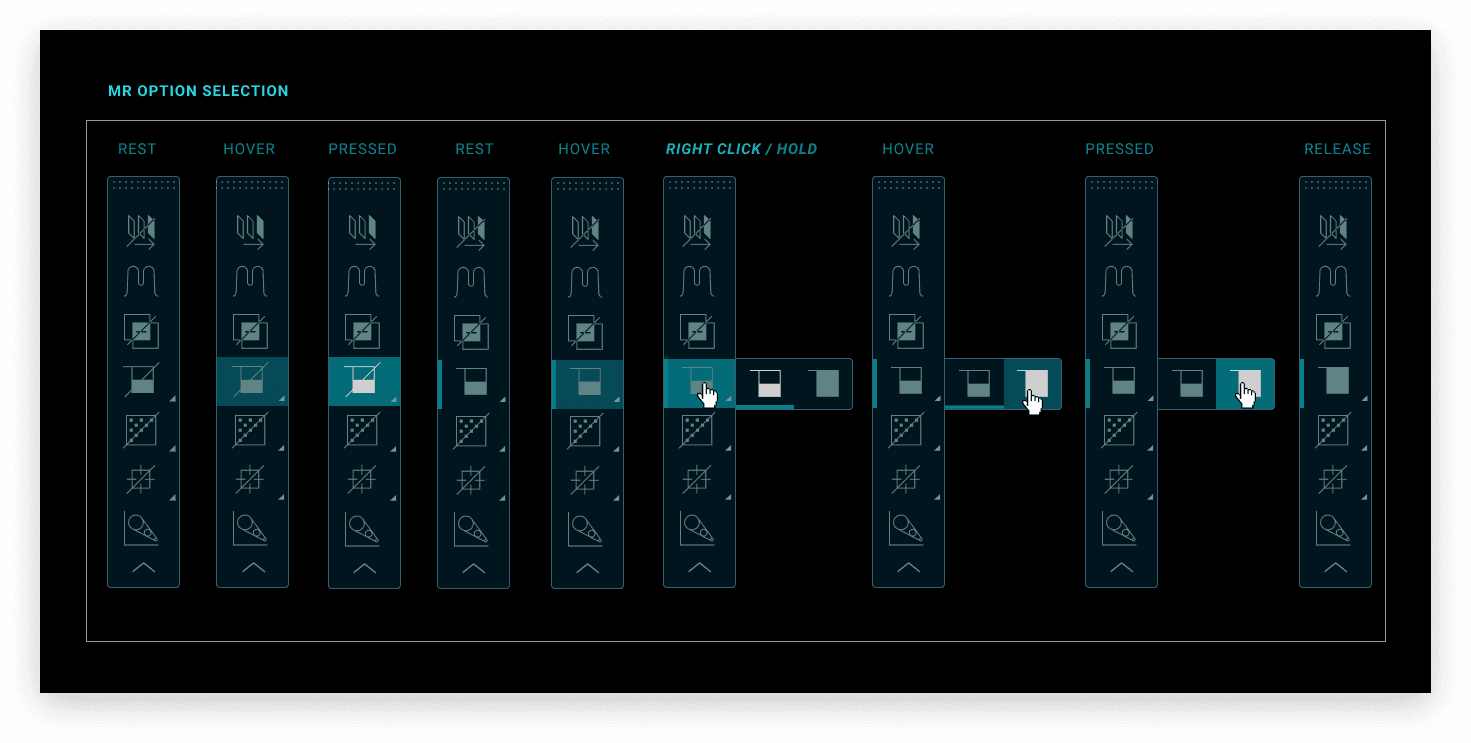
This informed the creation of a shortcut toolbar that allowed radiologists to access commonly used tools directly within the viewer — reducing cursor travel and supporting more efficient annotation during diagnostic review.
Usability Testing with Radiologists
To evaluate how the updated interaction model supported diagnostic workflows, usability testing was conducted with both Hologic and non-Hologic users.
Participants
8 participants - 4 men, 4 women, both Hologic and non-Hologic users
Observed Strengths
Participants were able to:
Access commonly used diagnostic tools directly within the image viewport
Review and manipulate MRI studies within the same system as mammograms
Compare imaging modalities side by side to correlate findings
Participants also noted that the available toolset supported their interpretation workflows without identifying missing functionality.
Participant Feedback
While participants responded positively to the in-view toolbar, some noted that learning the meaning of each icon would require initial familiarization.
Participants also expressed interest in more advanced functionality to support complex diagnostic workflows over time.
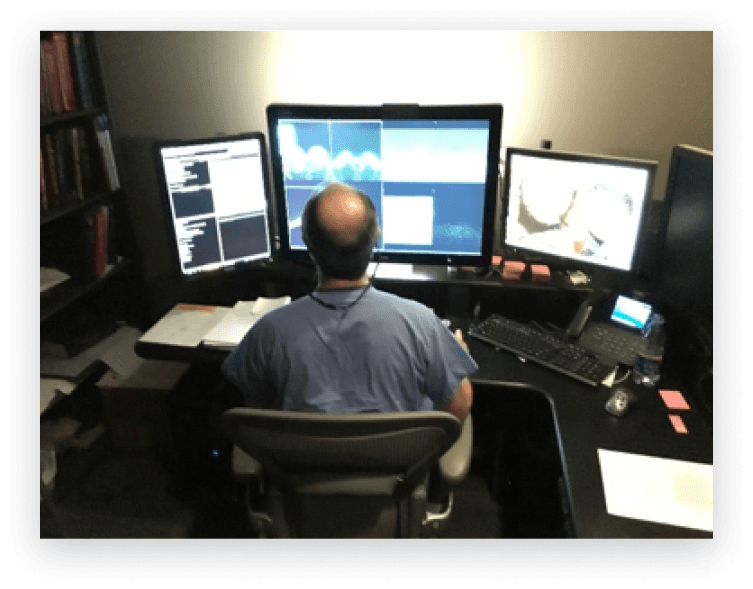
“I really like it… no one is doing that right now where you can look at MRI’s in the same system as your mammograms.”
-Participant 1R
Unified MRI Workstation Experience
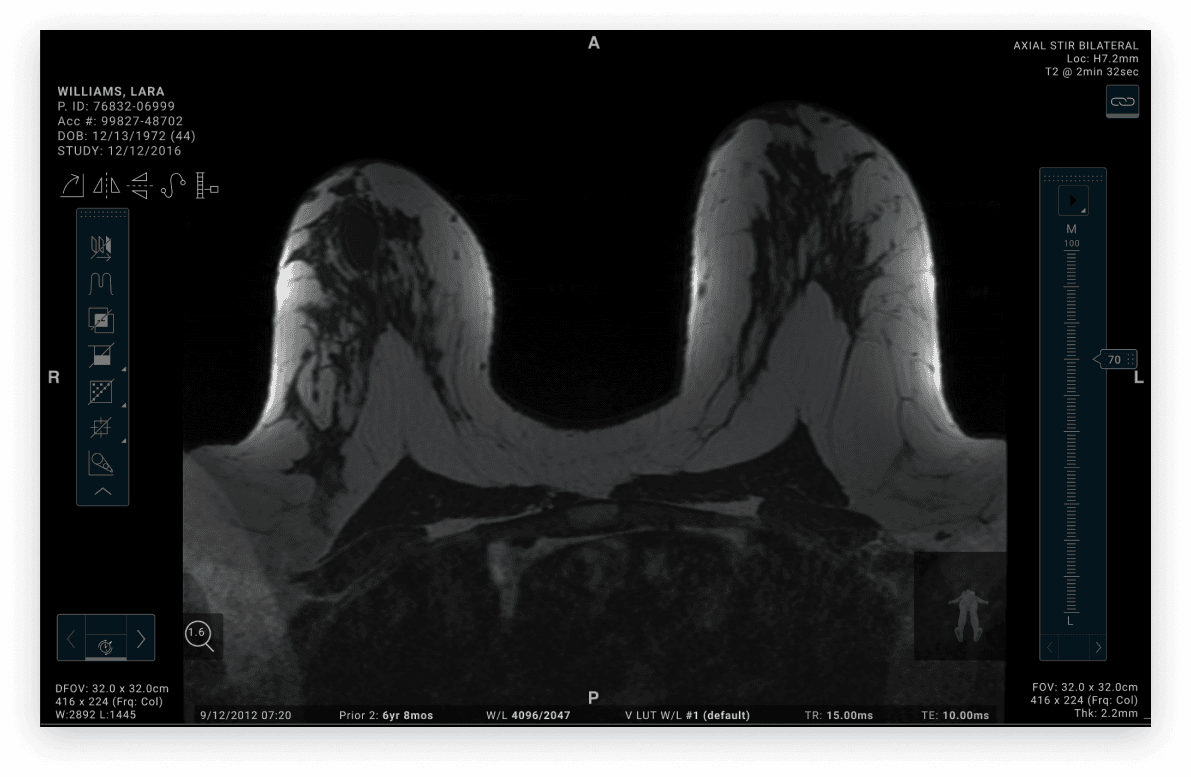
To support radiologists working in low-light reading environments, the final interface was designed to maintain sufficient contrast between imaging studies, overlays, and diagnostic tools — while minimizing visual strain during prolonged interpretation sessions.
The in-view toolbar allowed clinicians to access commonly used tools without interrupting their review flow, supporting more efficient annotation and comparison across imaging studies.
Looking Ahead
Although this unified MRI workstation concept was not launched prior to my departure from Hologic, the interaction model informed early design directions that were later incorporated into Hologic’s 3DQuorum imaging technology.
Future iterations of this work would benefit from evaluating how in-view tool access and cross-modality comparison impact interpretation time and diagnostic confidence in clinical reading environments.
Establishing these performance baselines could provide additional insight into how unified workstation experiences support more efficient review of breast imaging studies over time.